

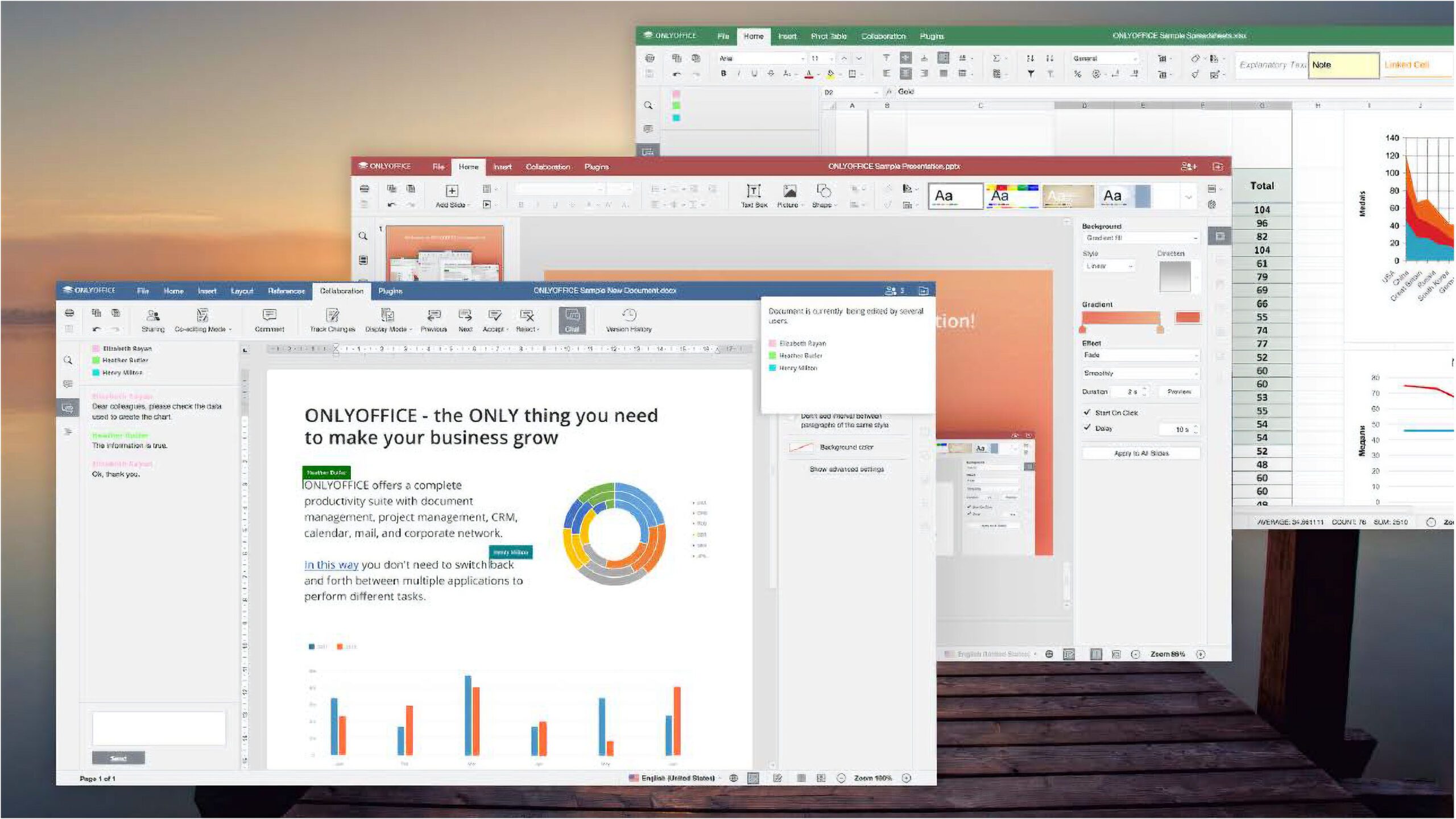

Discover The Cost-Efficient Alternative to Microsoft Office
While Microsoft Office comes with a hefty price tag, there are free open-source options available. Dive into the lesser-known Only Office and explore its features in depth.
Getting Started with Only Office
Upon installation, Only Office offers seamless access to text documents, spreadsheets, and presentations. However, it lacks a counterpart to Microsoft Access for database management. Import existing files from your PC or network drive with the “Open local document” feature.
A New Way to Multitask
Only Office simplifies document management by utilizing tabs for handling multiple files. You also have the option to work with separate windows by dragging and detaching tabs. Easily switch between documents using the Alt-Tab key combination.
File Compatibility
Only Office supports various file formats including Microsoft Office, Open Document Format (ODF), Rich Text Format (RTF), and more. When importing Microsoft Word files, ensure that all fonts are installed to maintain layout integrity and prevent disruptions in group work.
Excel Functionality
Import Excel files into Only Office to retain formulas and layout structure. However, newer Excel features like geographical data may not transfer due to online database dependencies. Additionally, certain chart types and symbols may require manual insertion for display.
Enhance with Plugins
Expand the capabilities of Only Office applications with plugins. Easily access additional functionalities by navigating to the “Plugins” section within the program interface.
Unlock the Full Potential of Only Office
Maximize your productivity with the versatile and cost-effective features of Only Office. Explore a wide range of functionalities and seamless compatibility with popular file formats.