


a printer problem? no way!
Appears to be a Microsoft Store bug; MS says printers should mostly still work.
Andrew Cunningham
– Dec 8, 2023 10:58 pm UTC
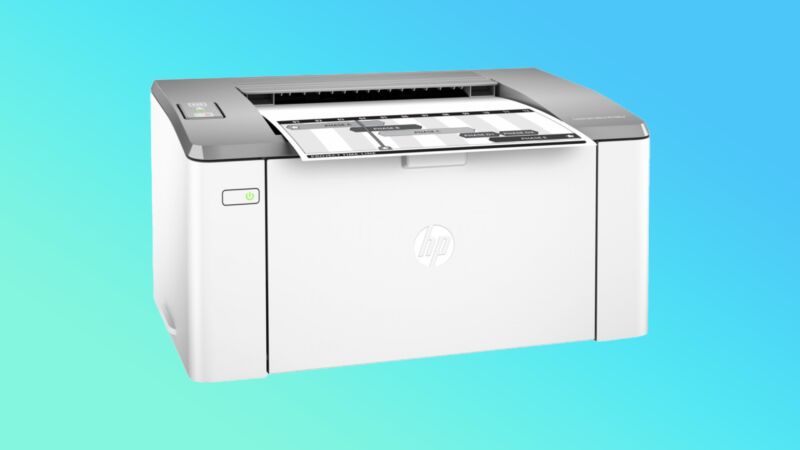
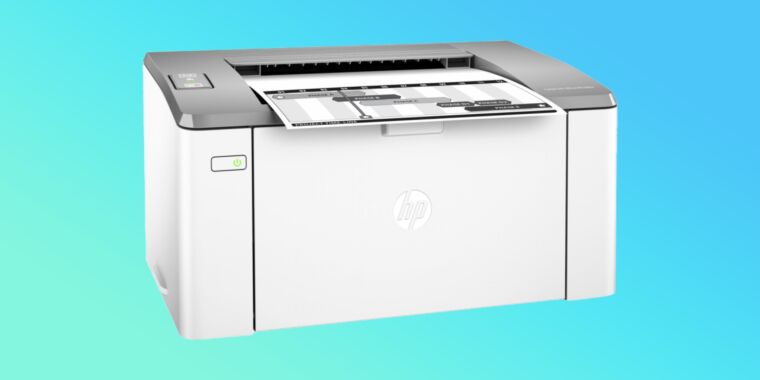
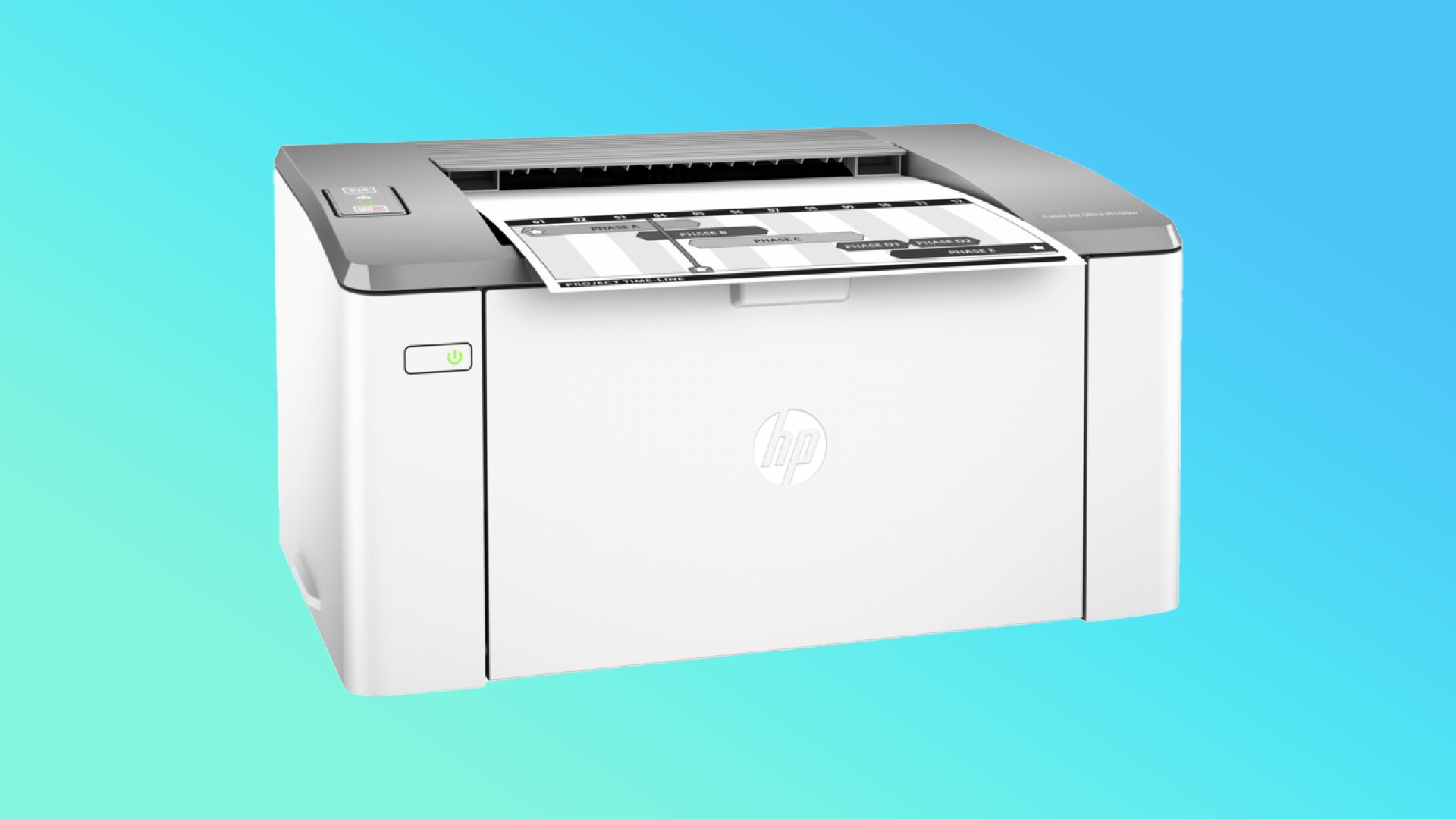
Enlarge / The HP LaserJet M106w is one of the printer models that is mysteriously appearing for some users in Windows 10 and 11.
HP
Earlier this month, Microsoft posted a new entry in its list of known issues with fully up-to-date Windows 11 PCs. The HP Smart printer app was installing automatically on Windows 10 and Windows 11 PCs whether they had an HP printer installed or not, changing the names and icons of their connected printers and causing error messages.
Affected PCs will usually appear to have an HP LaserJet M101-M106 connected, so look for that model number in your list of printers. All versions of Windows 11 are affected, plus all currently supported versions of Windows 10. Windows Server versions going back to 2012 can also be affected.
Microsoft continues to look into the issue. In an update posted yesterday, the company stated unambiguously that HP was not to blame. The company also says that most printers should continue to work fine, and that they “will continue to use the expected drivers for printer operations.” If your printer relies on a third-party app for additional functionality, that may be broken.
The way that print drivers work has changed a lot in the last few years, something that probably partially explains both the unwanted app installation and the fact that basic printing should mostly continue to work.
Rather than using bespoke drivers, modern printers connected to computers running modern OSes mostly use a generic driver built on top of the Internet Printing Protocol (IPP). This prevents problems caused by using old proprietary printer drivers with a modern OS and also allows operating systems that can’t install proprietary print drivers (like iOS) to use printers anyway. These generic drivers have been successful enough that Microsoft is slowly deprecating legacy print drivers entirely.
To add extra printer-specific functionality, then, printer manufacturers now need to do it in separate apps like HP Smart, which augment the core functionality provided by the generic driver. Microsoft calls these Print Support Apps. When you connect a new printer to Windows, it will usually download that app and install it automatically, the same way that Windows Update automatically tries to install drivers for new GPUs, webcams, or other accessories the first time you connect them.
It’s likely that whatever bug is causing the problem made these PCs believe they had an HP printer connected, and then Windows worked the way it’s designed to work and downloaded the HP printer app as a result. The questions are: What caused this bug? Can it also cause other problems?