



Image: Canva, Adobe
Photoshop has become a household name, where saying “This image has been photoshopped” actually means “This image has been edited.”
Like Kleenex, Photoshop is frequently colloquially used for an entire product class. So it’s no wonder that Photoshop sets the standard when it comes to image editing.
While Photoshop is an indispensable tool among photo professionals, we can think of a few reasons why might be much better for you.
1. Ease of use
Let’s get this straight from the start: When it comes to pure photo editing, Canva can’t hold a candle to Photoshop. But Canva is so much more than just a photo editing program, which is why we think it’s much more suitable for a large target group.
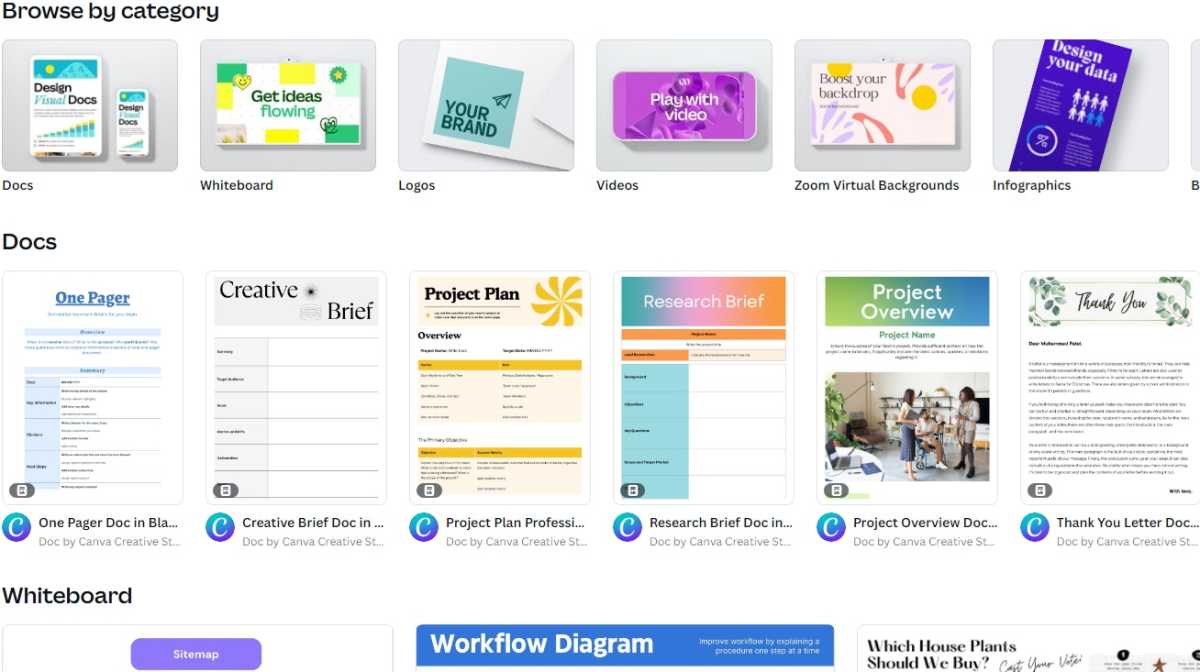
Canva: The greatest strength is its ease of use
Foundry
Whether for the marketing department in a large company, social media influencers or for private use: Canva’s intuitive operation and therefore fast results are particularly impressive. Absolutely no prior knowledge is required to create your next social media post — whether as an image or video.
There are a hundred different ways to achieve your goal in Photoshop — and that can quickly become overwhelming and frustrating.
2. More than just image editing
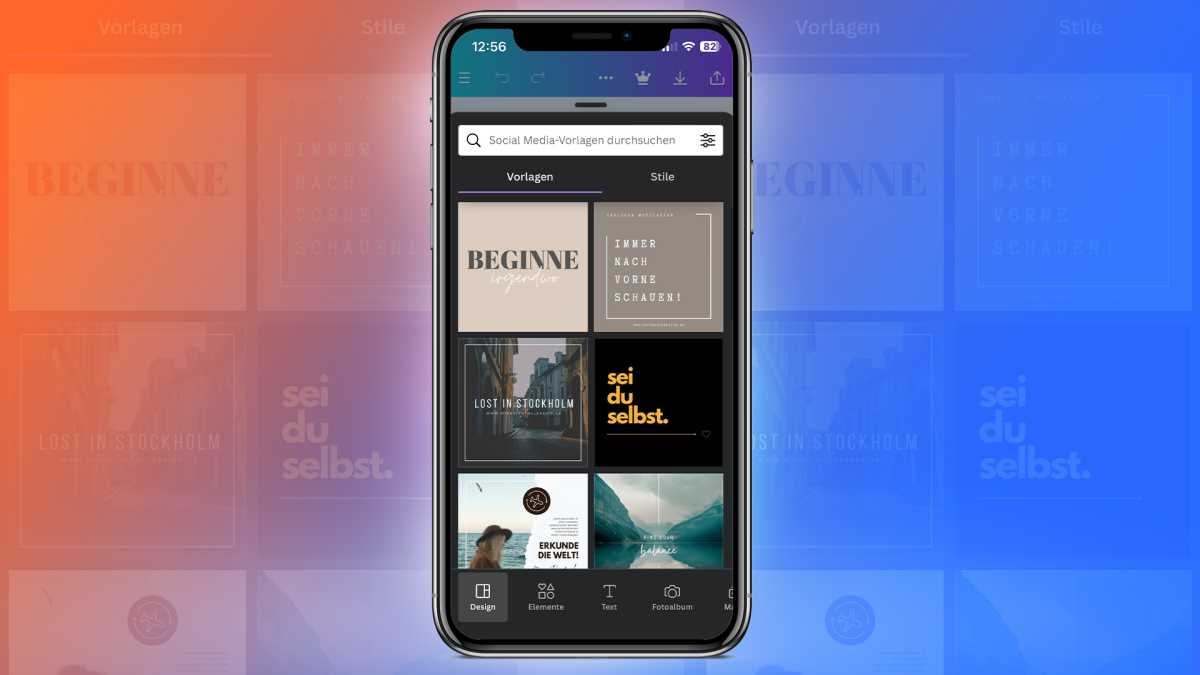
Canva: More than just image editing
Simon Lohmann
With Canva, you can at best be overwhelmed by the wide range of templates and possibilities that the program offers.
While Adobe focuses on image editing with Photoshop and offers additional program for video, special effects, and graphics with Premiere Pro, After Effects and Illustrator, Canva includes so many functions in one program:
- Visual documents (such as presentations, whiteboards, PDF editor, graphics, and diagrams)
- Photos and videos (photo and video editor, YouTube video editor, photo collages)
- Printing (business cards, cards, invitations, mugs, T-shirts, hoodies, calendars)
- Marketing (logos, posters, flyers, social media, websites, QR code generator)
You can also use Canva on your smartphone or tablet via the app, as well as via the browser — particularly practical if you start a project and want to continue working on it on another device. Although Adobe also recently launched a Photoshop app, it is anything but easy to use, even for Photoshop experts.
3. Countless templates and layouts
As already mentioned, Canva offers a large selection of templates:
- Instagram posts for the feed, as stories and reels
- Facebook posts and cover images
- TikTok videos
- YouTube thumbnails and intros
- Animations for social media use
- Twitter posts
- LinkedIn background photos
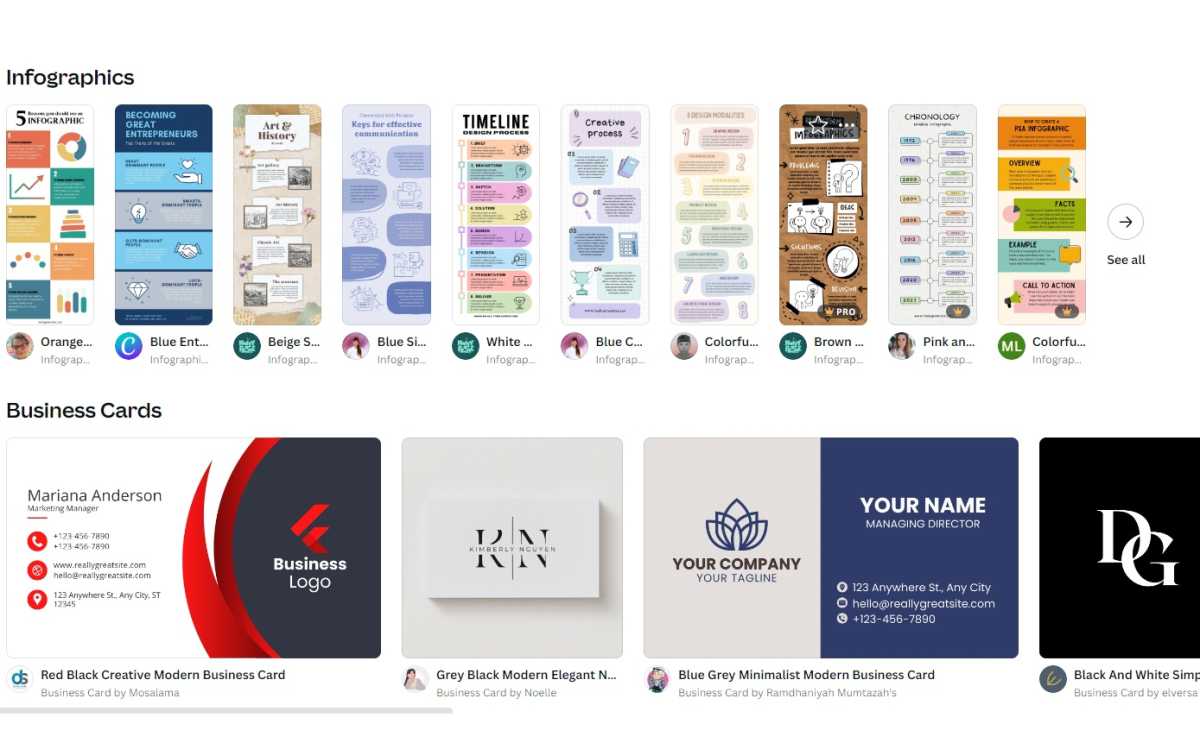
No wishes remain unfulfilled here: Lots of Canva templates
Foundry
You can also create your own templates and thus create posts with a uniform design more quickly.