



Image: Willis Lai/Foundry
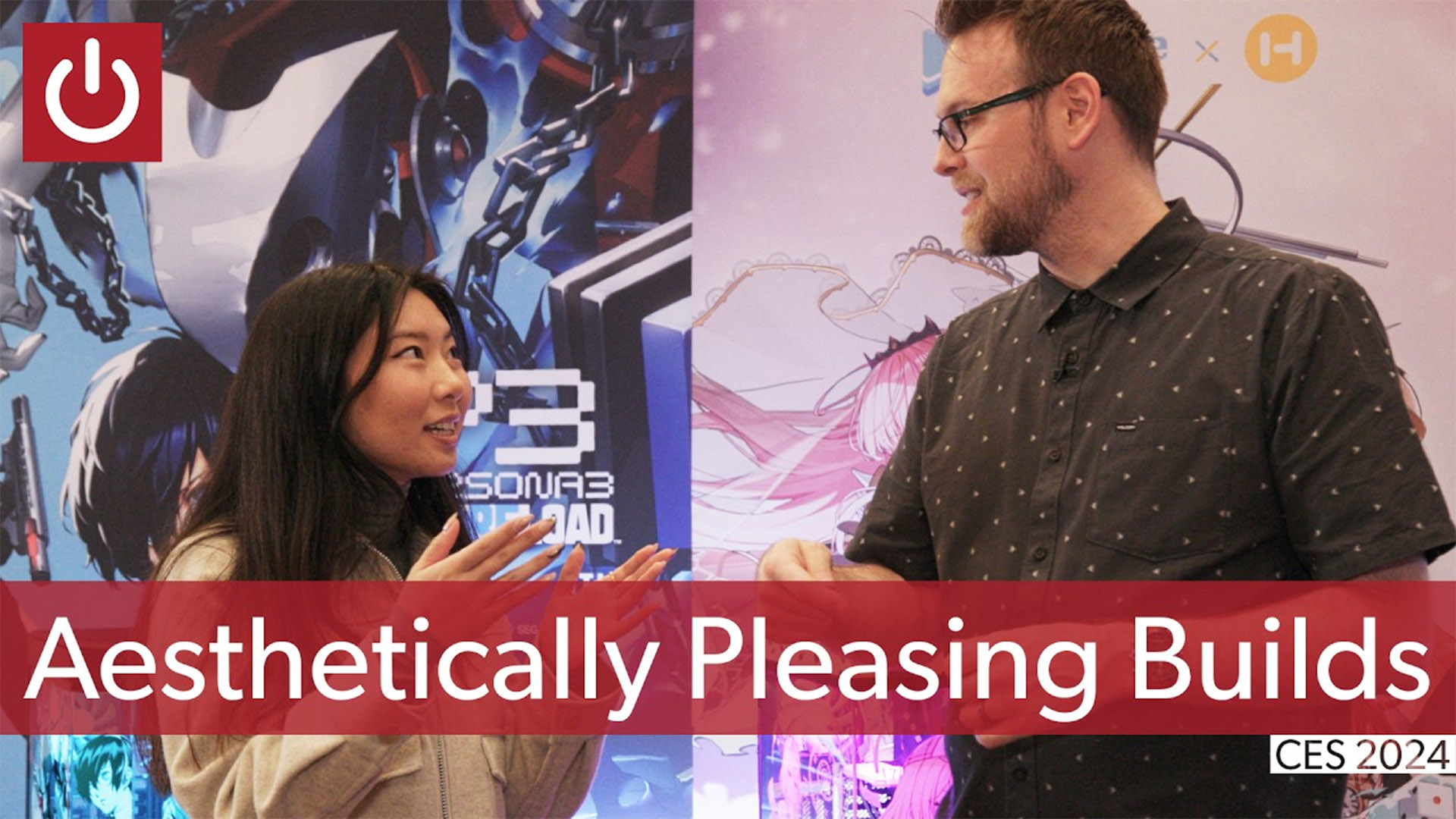
CES isn’t just for tech journalists to hobnob with PR reps from tech companies. Sometimes we hang out with…each other! Yes, professional nerds like to talk about nerd stuff, just like the garden variety. One such pro is , whom you might have spotted on the PCWorld YouTube channel before for our “boba tea” live PC build. She took a few minutes for a reunion with Adam Patrick Murray on the CES show floor, talking about how to make a good-looking desktop from the ground up.
PeachieTech’s advice? First, determine your hardware goals for the build to know what base parts you need to work with. If it’s a gaming PC, that means what your resolution and frame rate should be. A big part of that will be how large your case needs to be to accommodate the necessary parts — someone building with a Core i9 and RTX 4090 probably shouldn’t go with an ITX build, for example. is the go-to tool for making sure your parts will work together once assembled.
Then you can pick out a color, aesthetic, RGB vibe, etc. In terms of more extreme customization and mods, PeachieTech recommends a white case or part shroud instead of black, since it’s easier to accent and paint once disassembled. And you can go for high-quality spray paints designed for cars rather than more conventional Rustoleum home improvement paint. Stickers are an easy way to add flair your case. You can even go to a local print shop for custom engraving or UV printing on glass panels.
What about inspiration? You can use online color wheels if you’re not familiar with color theory or just check out the usual suspects like Pinterest and Instagram for the latest design trends. For cases with tempered glass, you can fill the internal space with personal touches, action figures, or ribbons. Just make sure they’re secured and not rubbing against any moving or heated parts. For more tips on your next PC build, be sure to .

Michael is a former graphic designer who’s been building and tweaking desktop computers for longer than he cares to admit. His interests include folk music, football, science fiction, and salsa verde, in no particular order.