

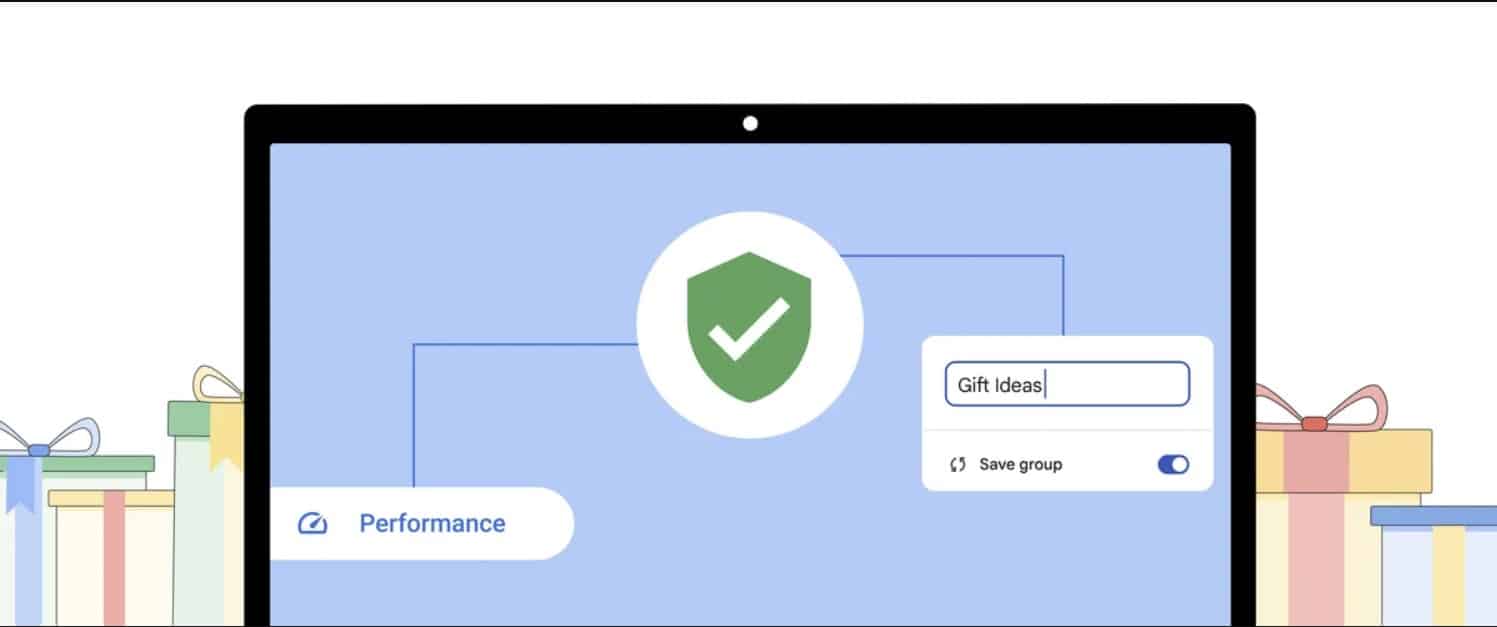


Get ready for a more secure and seamless browsing experience with Google Chrome as the tech giant unveils its enhanced Safety Check feature in the newest version.
Seamlessly operating in the background as you browse, the updated function will quietly hunt for vulnerabilities and compromised passwords.
This groundbreaking move serves to bolster cybersecurity for users, with a discreet scan of stored passwords. Google’s proactive approach is set to block potential compromises and strengthen the browser against evolving cyber threats.
According to Sabine Borsay, Chrome Group Product Manager, users can now benefit from automatic background checks.
Automatically running in the background, Safety Check for Chrome on desktop will notify users through alerts in the three-dot menu to take necessary actions, as mentioned in a Google blog post.
This innovation will keep users informed about removing risky extensions, updating browsers to the latest versions, and activating the Safe Browsing feature to block access to unsafe websites.
Google’s commitment to user safety is clearly evident with this update, as it strategically mitigates unauthorized access to sensitive information amidst growing cyber threats.
But the benefits of the Safety Check feature extend beyond password scrutiny. It’s designed to automatically revoke permissions, such as access to the microphone or location for long-unvisited websites, adding an extra layer of security for users.
Furthermore, to enhance the user experience, Google Chrome will introduce a feature on desktop to help save tab groups, ensuring a seamless browsing experience across multiple devices.
Google Chrome is also working on improving its Memory Saver mode and other performance control tools, providing users with detailed information about tab memory use to enhance their browsing experience.
Moreover, the upgraded Safety Check feature will effectively detect less-engaged websites and prevent excessive notifications, empowering users to quickly disable intrusive notifications and take control of their browsing environment.