

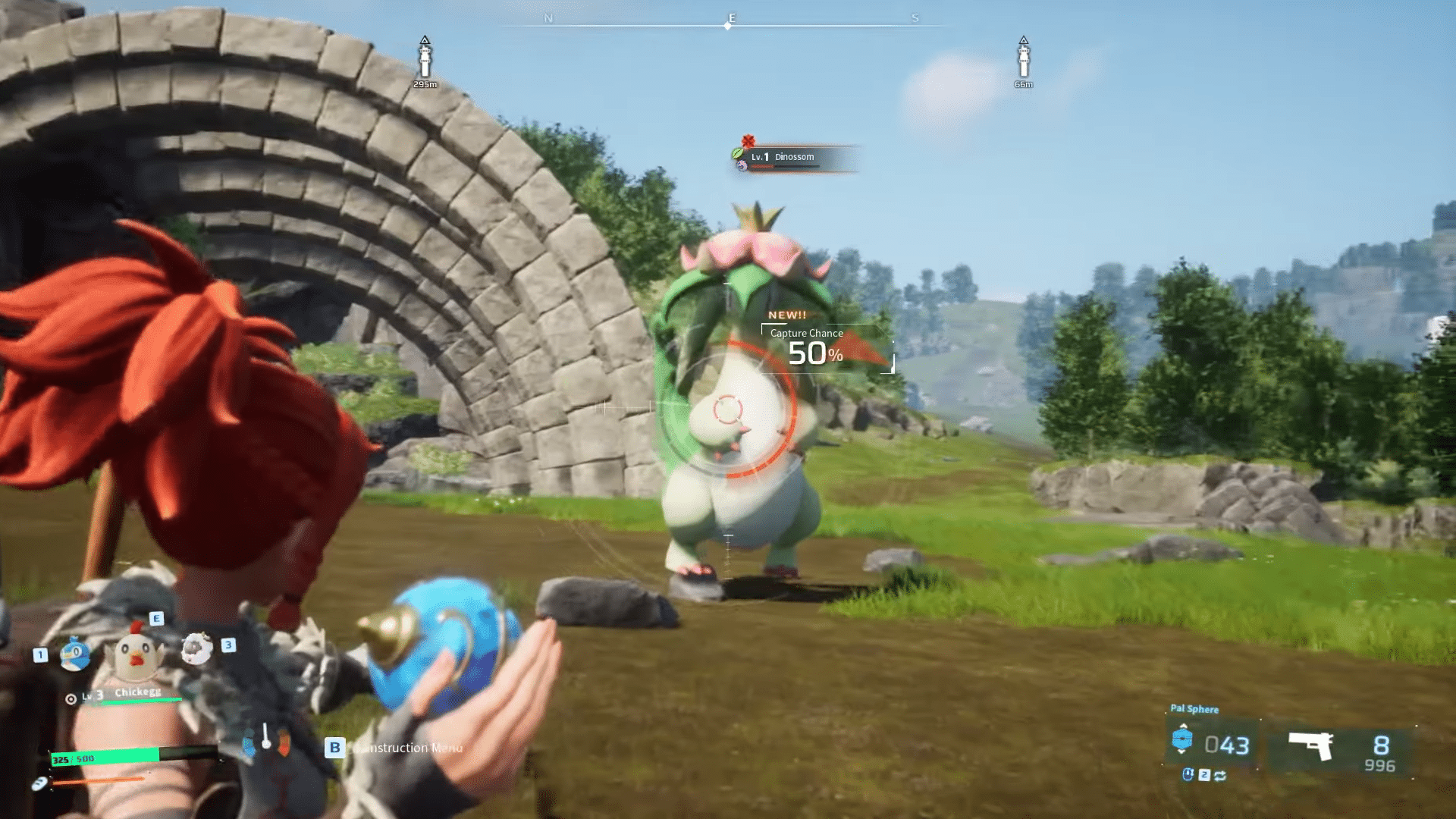

One of the most exciting parts of playing Palworld is catching Pals, but how can you tell if the Pal is yours? Here’s how to know if you’ve captured a Pal.
The hottest game release of 2024 that has the gaming world buzzing is Palworld, developed by Pocketpair Inc. The main concept of the game is to survive in an open world by crafting and gathering resources. You also have to capture different creatures and train them to aid your survival journey, who are then known as “Pals.” However, once you do catch a Pal, how do you tell that it is yours? Hence, here is how to tell if you have caught a Pal in Palworld.
How to tell if you have caught a Pal in Palworld
 Credit: @Pocketpair on YouTube
Like we mentioned previously, one of the main features of playing Palworld is catching Pals, who are various types of creatures. Capturing them is easy enough, you just need to weaken them and then throw the correct type of Pal Sphere at them. However, it’s uncertain whether you have properly caught the Pal or not. So, how do you tell if you’ve caught a Pal? Here are a few ways to figure that out:
Blue Flash on the screen
 Credit: @Pocketpair on YouTube
As soon as you successfully capture a Pal using the Pal Sphere in the game, your screen will flash a bright blue color for a brief period of time. This happens right after “Capture Chance” on your screen turns to 100%! If you see the blue flash, that means the Pal is officially yours.
Text Box Pop-Up
When you successfully capture a Pal in the game, a small text box will pop up on the bottom right corner of your screen. The text box will show the name of the Pal you captured along with their level. There will also be some text that reads as “This Pal is under investigation.” This is an indicator of having caught a Pal.
Check your UI
 Credit: @Pocketpair on YouTube
When you have successfully captured a Pal in the game, your UI in the game that is used to toggle Captured Pals will show the picture icon and name of the Pal you just caught. If you look at the bottom left corner of your screen, you can see the UI and if you shuffle between the numbers between 1 to 5, you will find your newly captured Pal there, indicating that you have caught it.
Inventory Pal Party
 Credit: @Arekkz Gaming on YouTube
When you have successfully captured a Pal in the game, your new capture will be added to your Party in the game. You need to open your Inventory and go to the “Party” category which shows your party of Pals to find your new capture, which is a clear indication of having caught the Pal.